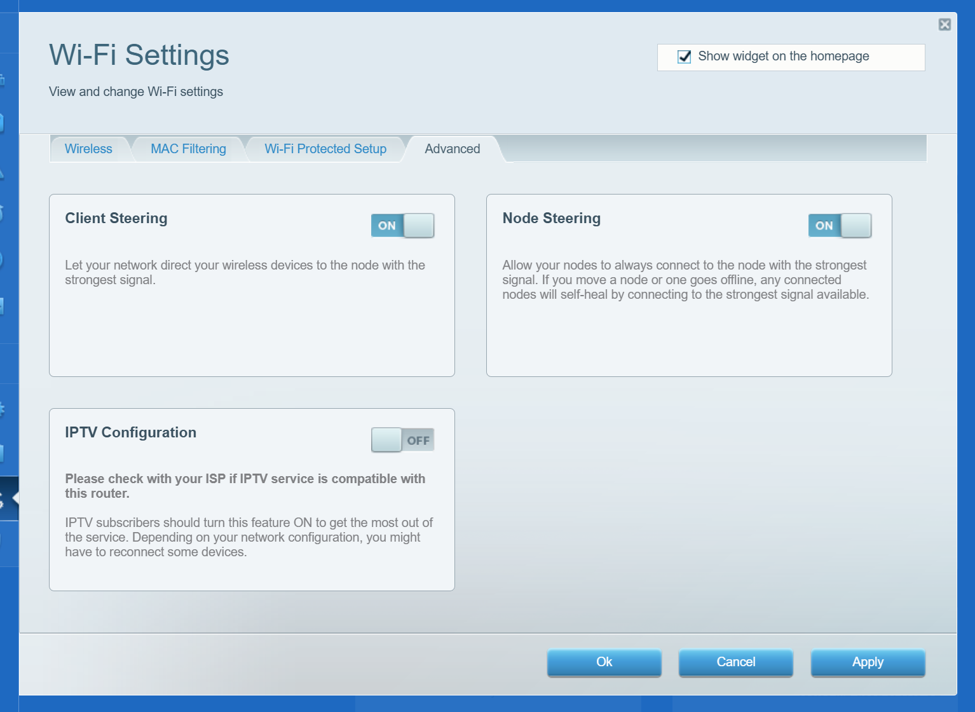
To access Wi-Fi Settings, log in to the router's web interface. Under Router Settings, click on Wi-Fi Settings.
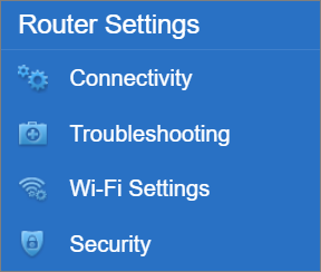
The Wireless tab now has a 6 GHz band radio section. The 6 GHz radio supports WPA3 Personal encryption. Only clients that support Wi-Fi® 6E (6 GHz) will be able to connect to this radio. It is highly recommended to keep all the SSIDs with the same WiFi name and password. For the 2.4 GHz / 5 GHz, the default encryption is WPA2/WPA3 Mixed Personal.
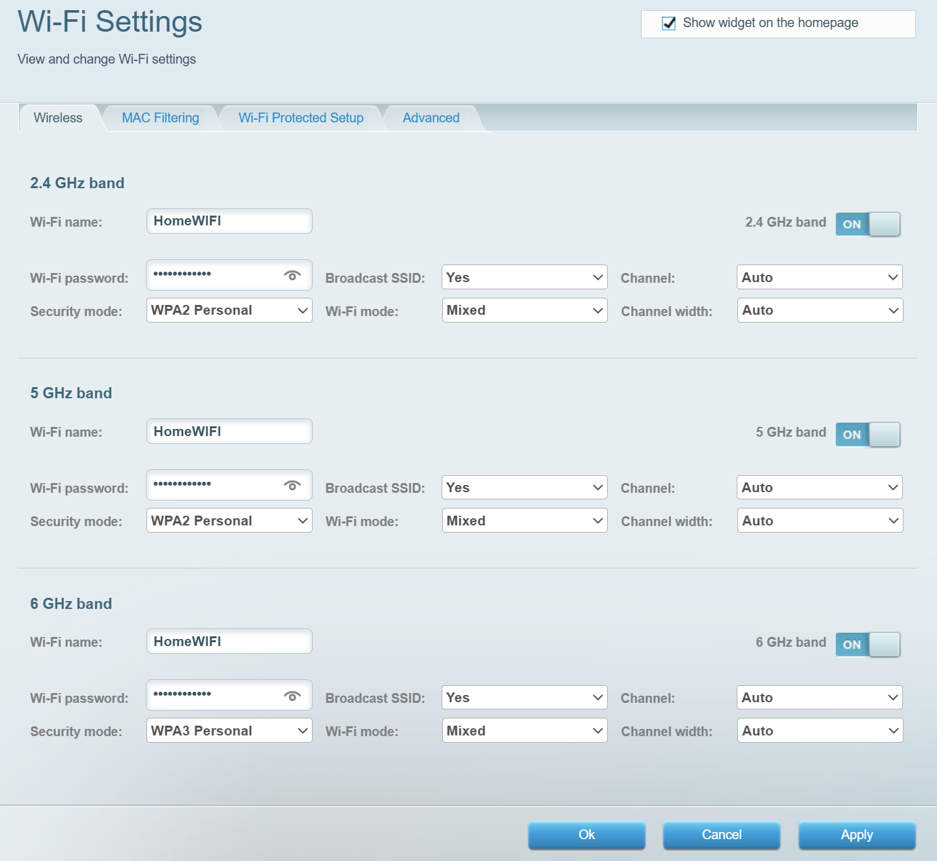
For the 6 GHz radio, you have the following options. It is recommended to keep WPA3 Personal as the encryption for the WiFi.
The MAC Filtering tab is where you can allow or prevent access to the network using the Media Access Control (MAC) address unique identifier.
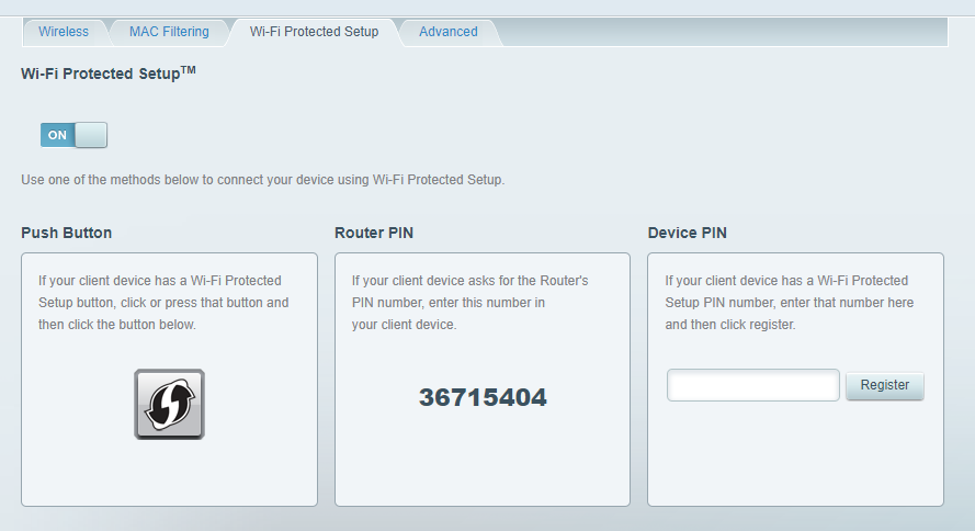
Wi-Fi Protected Setup™ (WPS) makes it easy to add devices to your WiFi network without having to enter a password. Using the web interface, connecting your wireless devices is made easier, faster, and more convenient.
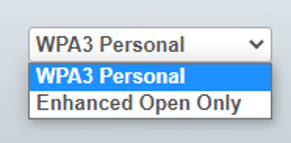
The Advanced tab is where you can configure the Client Steering and Node Steering features. The IPTV Configuration feature is for PCCW IPTV subscribers only. Once it is enabled, the router’s LAN IP address will change to 192.168.10.1.