


A network switch is a device that connects multiple devices within a local network. These devices can include computers, printers, security cameras, servers, or WiFi access points.
Think of a network switch like a traffic controller for data. When several devices are connected to the same network, they need a way to send information to each other. The switch receives data from one device and sends it directly to the correct destination device.
The switch makes sure the information goes only to the device that needs it, instead of sending it to every device on the network.
Why is proper mounting of network switches important?
Imagine a small office where several computers, a printer, and a security camera system are connected to a network switch. At first, the switch is simply placed on a table. As more devices are added, additional cables are plugged in. Over time, the cables begin to pile up and overlap each other.
Scenario: An office printer suddenly stops working on the network. Because the cables are tangled and unlabeled, the technician must trace each cable manually to find the correct connection. During the process, another cable is accidentally unplugged, temporarily disconnecting one of the office computers from the network.
Mounting a network switch properly plays a significant role in keeping a network organized, reliable, and easy to maintain. The way a network switch is physically installed can greatly affect how efficiently the network operates. Furthermore, proper mounting also helps protect the equipment and supports better airflow around the device, thereby reducing the chances of physical damage, ensuring adequate ventilation, and maintaining stable connections.
Common network switch mounting methods
Network switches can be installed in different ways depending on the size of the network and the space available.
Below are the most common mounting methods, how they work, and their advantages and disadvantages.
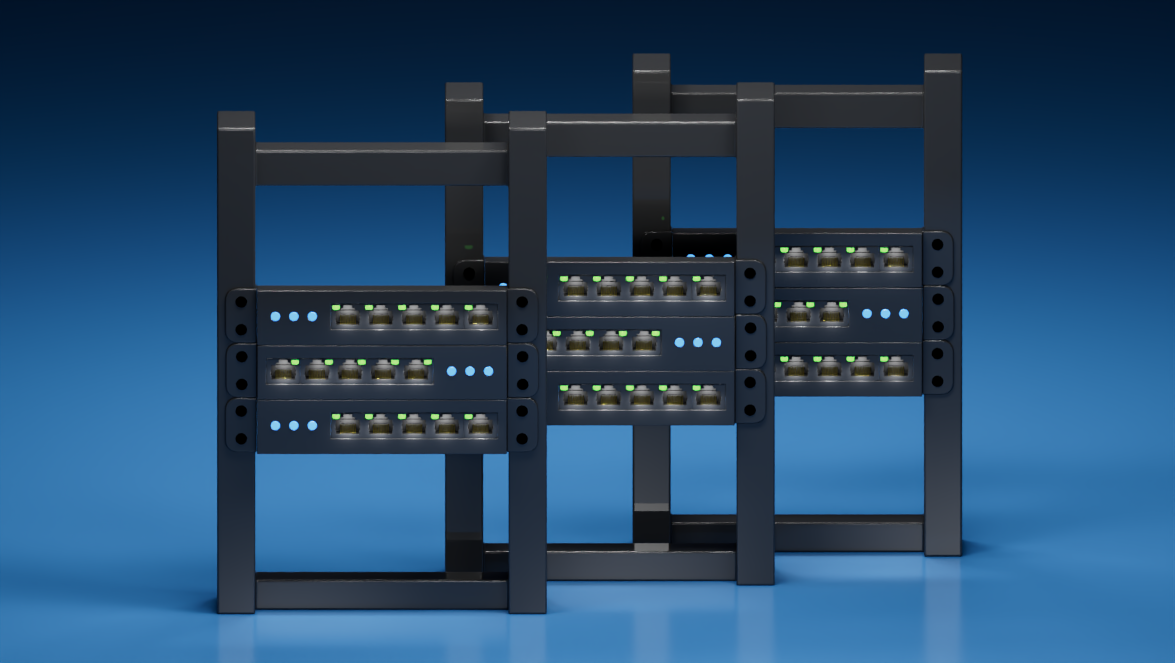
Rack mounting places the switch inside a metal equipment rack. The switch is secured using screws and mounting brackets. These racks are designed to hold multiple networking devices stacked vertically. These are commonly used in server rooms, offices, data centers, and large business networks.
Benefits:
- Very organized cable management
- Saves space by stacking equipment
- Easy to maintain and upgrade devices
- Good airflow for cooling
Disadvantages:
- Requires a rack cabinet, which can be expensive
- Needs a dedicated space in a room
- May be unnecessary for very small networks
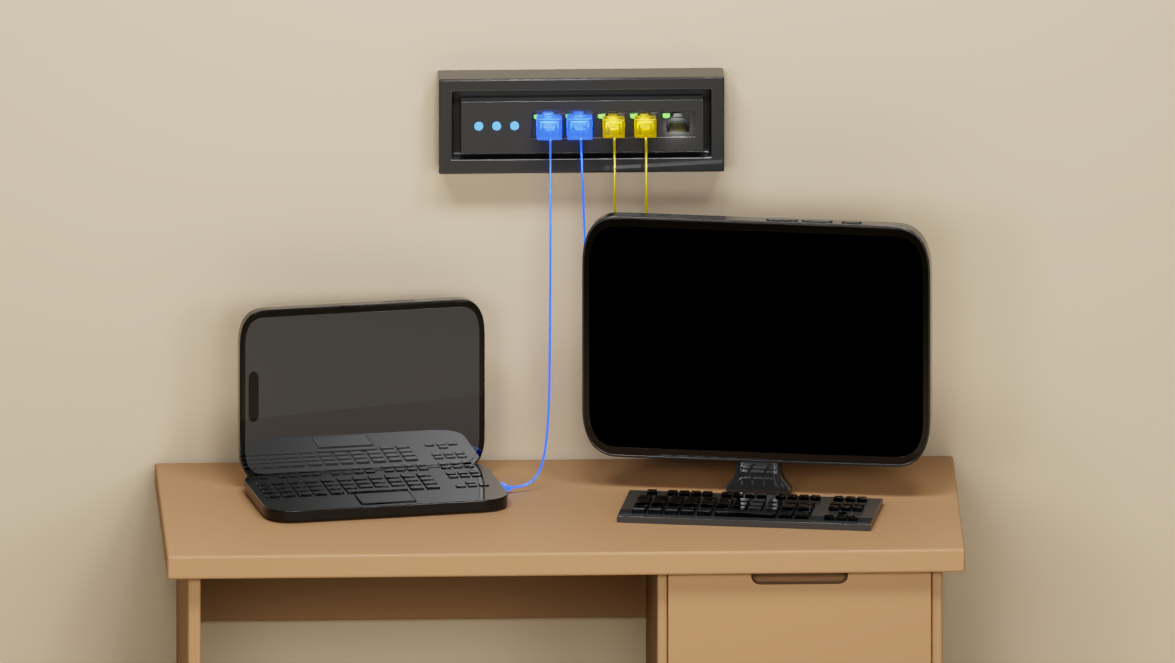
The switch is directly attached to a wall using screws or mounting brackets. The cables run downward from the ports to the connected device. These are used in small offices, shops or retail stores, classrooms, and homes.
Benefits:
- Saves desk or floor space
- Keeps equipment out of the way
- Protects the device from accidental bumps
- Simple and affordable installation
Disadvantages:
- Limited space for larger equipment
- Cable management may still be visible
- Not ideal for large networks with many devices
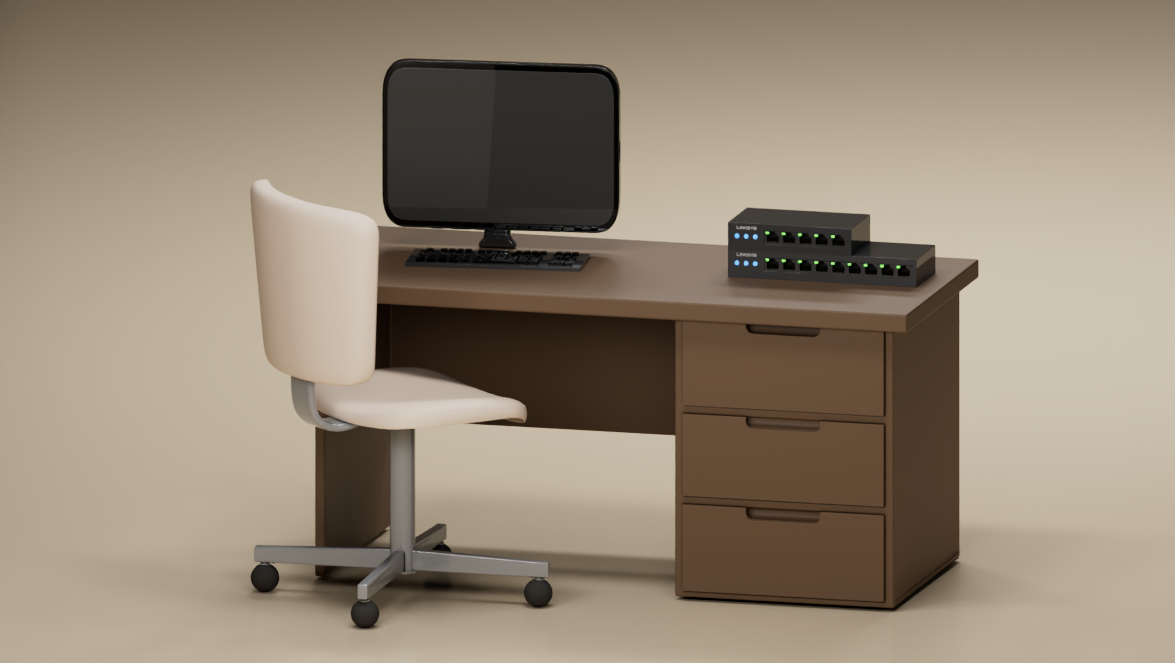
The switch is simply placed on a table, shelf, or cabinet without permanent mounting. Devices connect directly through network cables. These are commonly used in small home networks, temporary setups, or testing environments.
Benefits:
- Very easy to set up
- No installation of hardware required
- Suitable for temporary setups
Disadvantages:
- Cables can quickly become messy
- The device can be accidentally moved or unplugged
- Less protection from dust or damage
- Harder to manage cables

The switch is attached under a desk or table using brackets or screws. The cables run from the device on the desk down to the switch. These are used in small offices, workstations, and computer labs.
Benefits:
- Keeps the desk surface clean
- Saves space
- Keeps cables shorter and organized
Disadvantages:
- Harder access for maintenance
- Dust may accumulate underneath desks
- Not suitable for large switches
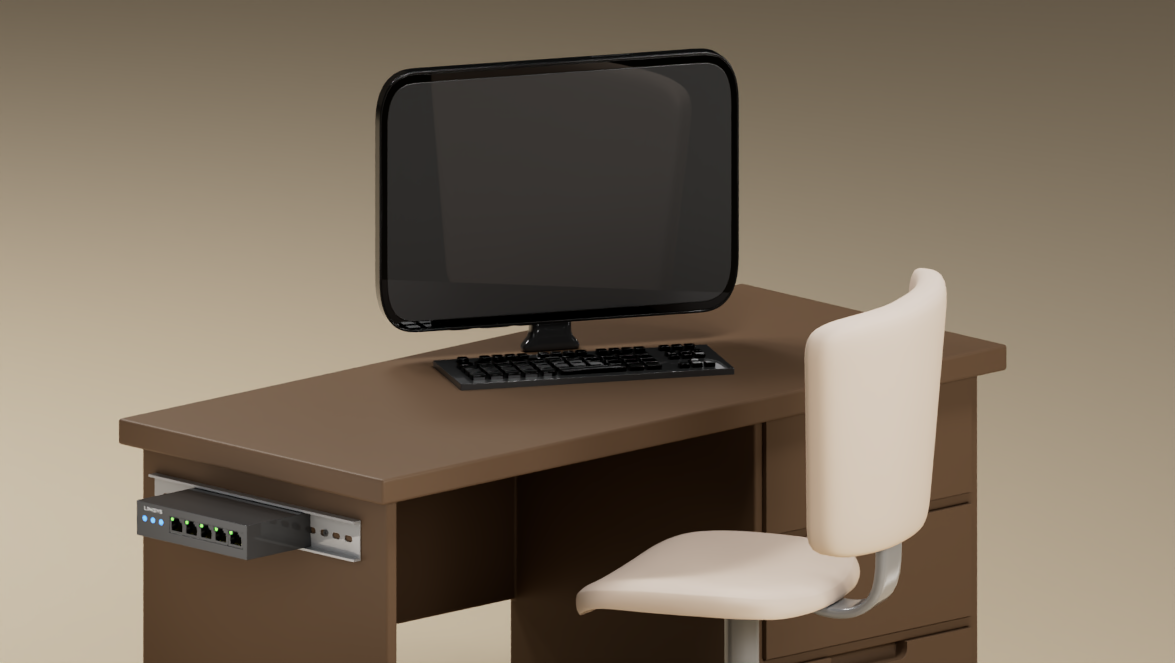
The switch clips onto a metal rail called a DIN rail, commonly used in industrial control cabinets. Many industrial switches are designed specifically for this mounting method. These are commonly used in factories, industrial automation systems, and control panels.
Benefits:
- Very secure installation
- Easy to add or remove devices
- Compact and organized
- Vibration-resistant
Disadvantages:
- Requires compatible equipment
- Mostly used in specialized environments
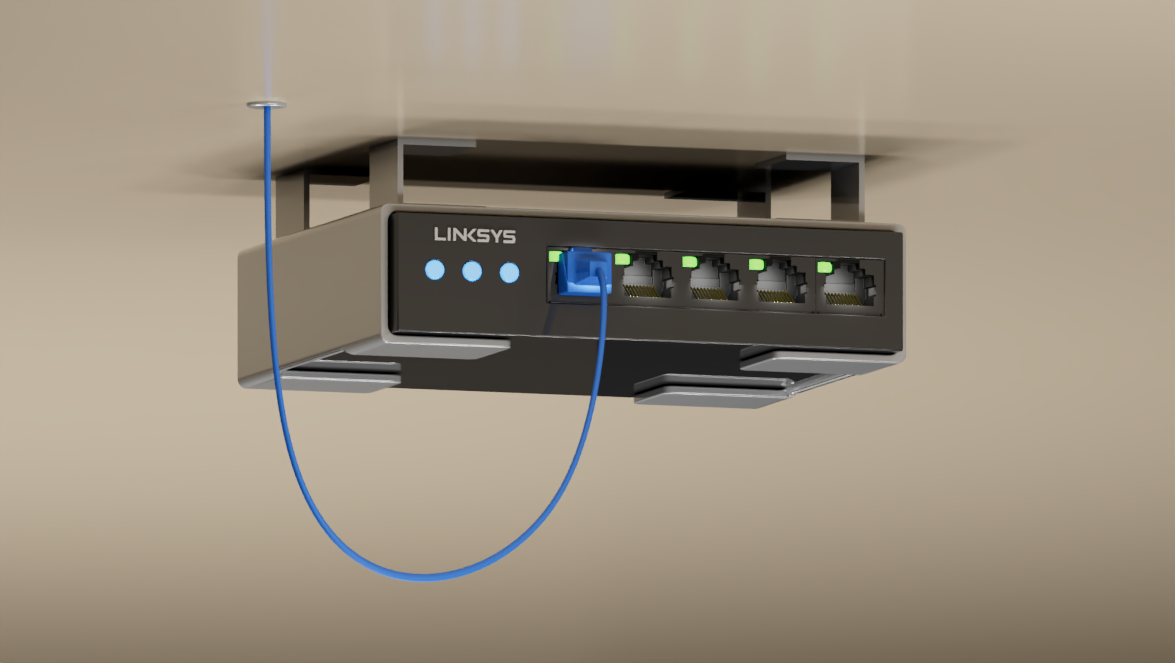
The switch is mounted near or above the ceiling to shorten cable runs for devices such as cameras or wireless access points. These are commonly used in large buildings and warehouses.
Benefits:
- Reduces long cable runs
- Keeps equipment out of sight
- Saves floor space
- Perfect for distributed Power over Ethernet (PoE) networks
Disadvantages:
- Harder access for maintenance
- Requires safe installation
Supplemental reading on routers and ways to manage them:
Understanding Mesh and Cognitive Routers: Which one fits your network needs?
Router Security and why it is important
Is your router holding you back? Here’s what to check
The importance of changing your router’s default password
Where you place your router matters more than you think

