You are using an unsupported browser. Please update your browser to the latest version on or before July 31, 2020.
close
You are viewing the article in preview mode. It is not live at the moment.
Casa > Configurazione avanzata > Sistemi mesh > Come eseguire un test di velocità su un router Linksys Pinnacle Mesh
Come eseguire un test di velocità su un router Linksys Pinnacle Mesh
print icon

I servizi di test della velocità possono variare a seconda del modello. Questo articolo ti guiderà nell'esecuzione di un test di velocità sul modello Linksys SPNM60CF.


Ci sono diversi punti in cui è possibile eseguire un test di velocità nell'interfaccia web di LinksysNOW:


1. Accedi all'interfaccia web.


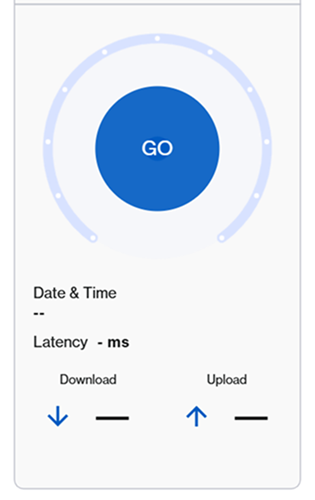
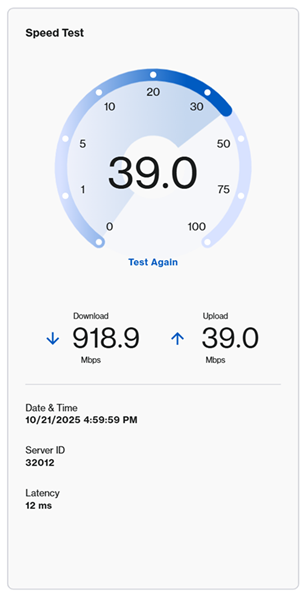
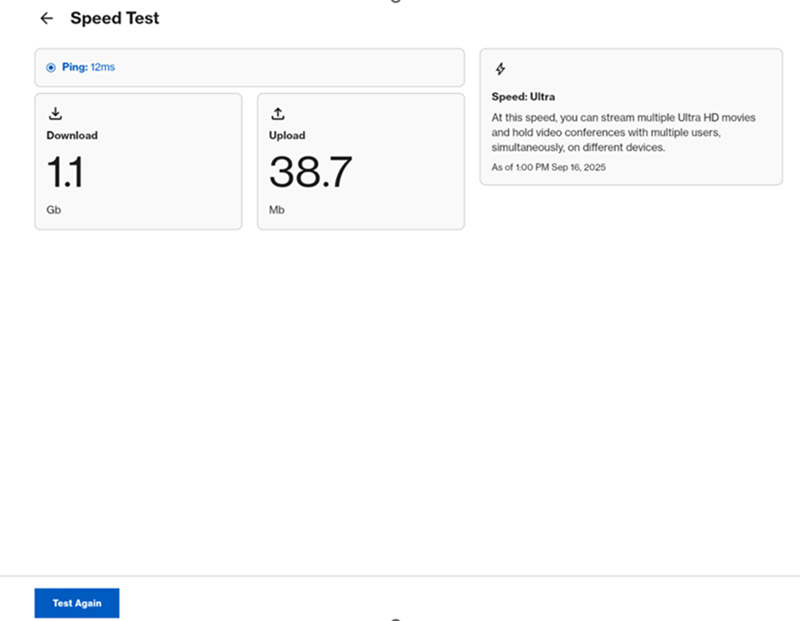
2. Dalla pagina Home, fare clic su Go (Vai) o Test Again (Esegui un altro test) per eseguire un test di velocità.


An illustration of the Go button to click in order to run a speed test.

An illustration of the speed test after the Go button is clicked


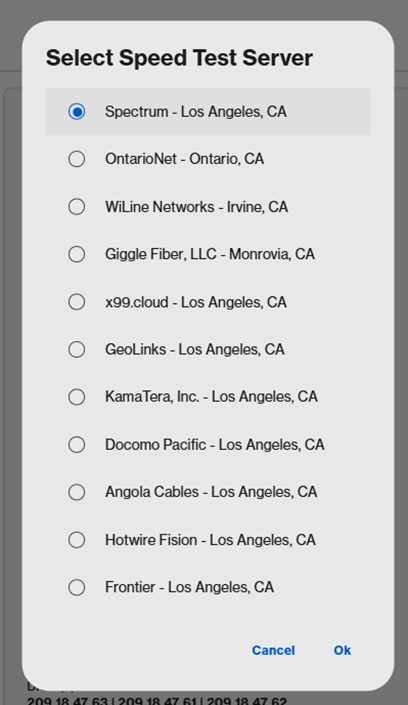
È anche possibile fare clic su Menu > Instant-Verify (Menu > Instant-Verifica), quindi fare clic su GO (VAI).
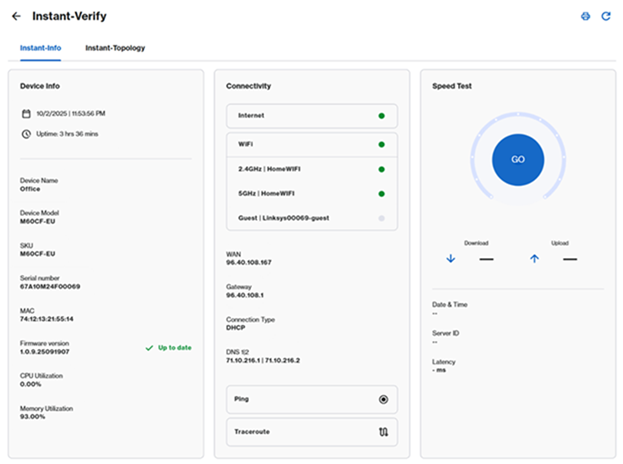
 

An aternative option to get to the Go button which is to go to Menu > Instant-Verify


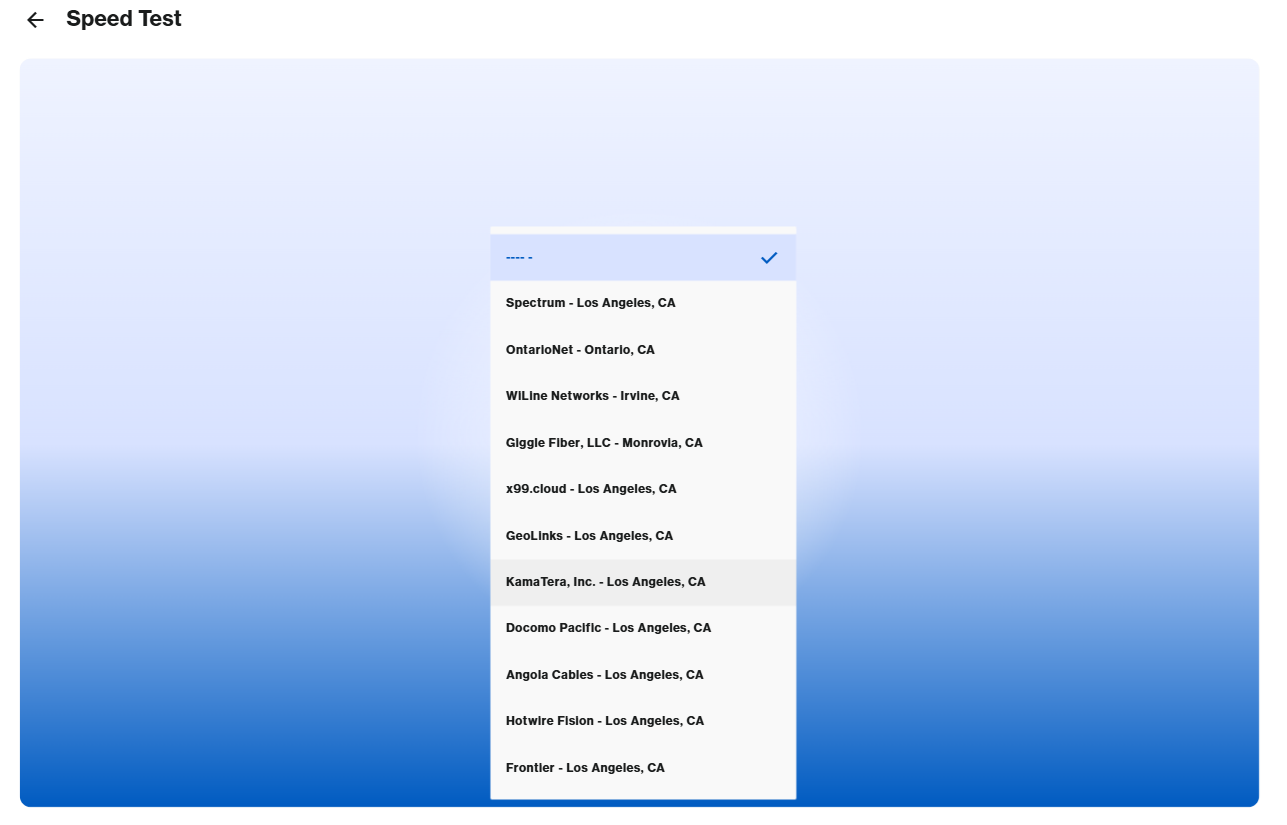
Infine, puoi anche fare clic su Menu > sul riquadro Speed Test (Test di velocità), quindi fare clic su GO (VAI) o Test Again (Esegui nuovamente il test).
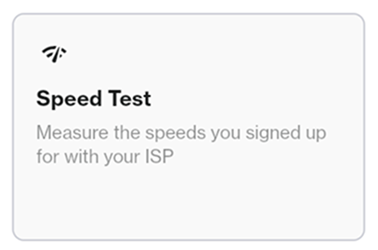
 

A third option to select the Go button which is through the Menu option and then clicking on the Speed Test tile


Speed Test > Go


An illustration of the Speed Test section where it shows the Download and Upload speed

 
Questo articolo di supporto è stato utile?
0 su 0 l'ha trovato utile

Contattateci
Chiamateci  Accedi al nostro elenco di numeri di assistenza globale
Reddit  Unitevi e iscrivetevi alla nostra comunità ufficiale di Reddit
Chatta con noi  Siamo qui per aiutarvi a rispondere a qualsiasi domanda
Linksys
Now
Support
scorrere fino all'icona in alto