You are using an unsupported browser. Please update your browser to the latest version on or before July 31, 2020.
close
You are viewing the article in preview mode. It is not live at the moment.
Casa > Configuración avanzada > Sistemas Mesh > Cómo realizar una prueba de velocidad en un router Linksys Pinnacle Mesh
Cómo realizar una prueba de velocidad en un router Linksys Pinnacle Mesh
print icon

Los servicios de prueba de velocidad pueden variar según el modelo. Este artículo le guiará a través de la ejecución de una prueba de velocidad en el modelo Linksys SPNM60CF.


Hay varios lugares para ejecutar una prueba de velocidad en la interfaz web de LinksysNOW:


1. Inicie sesión en la interfaz web.


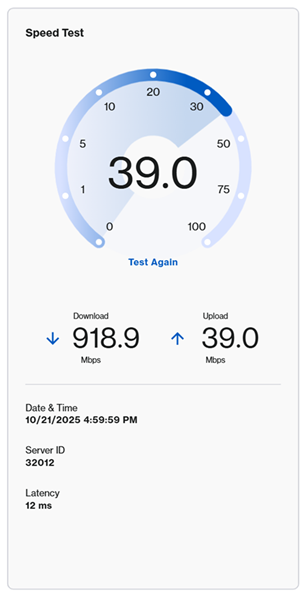
2. Desde la página de Inicio, haga clic en Go o Test Again (Hacer otra prueba) para ejecutar una prueba de velocidad.
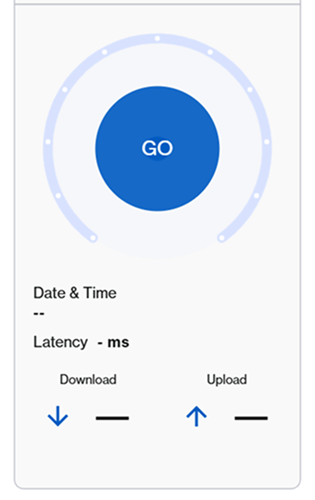
 

An illustration of the Go button to click in order to run a speed test.

An illustration of the speed test after the Go button is clicked


También puede hacer clic en Menú > Instant-Verify, y luego hacer clic en GO.
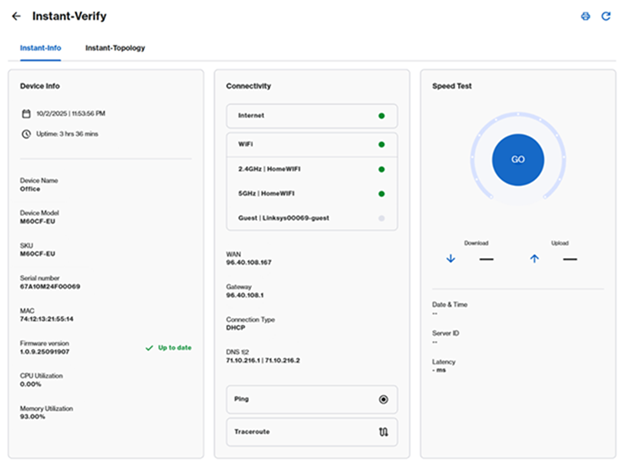
 

An aternative option to get to the Go button which is to go to Menu > Instant-Verify


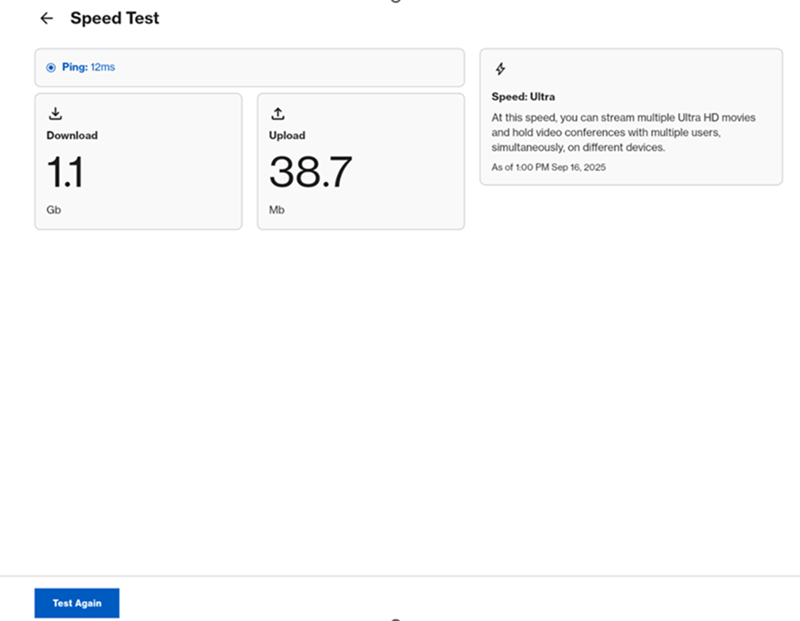
Por último, también puede hacer clic en Menú > el mosaico de Speed Test (Prueba de velocidad), luego hacer clic en GO o Test Again (Hacer otra prueba).
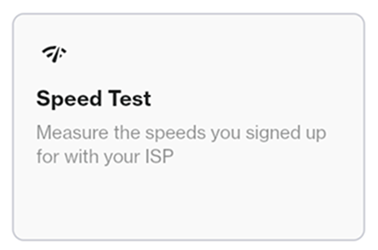

 

A third option to select the Go button which is through the Menu option and then clicking on the Speed Test tile


Speed Test > Go


An illustration of the Speed Test section where it shows the Download and Upload speed

¿ Le ha resultado útil este artículo?
0 de 0 encontraron útil

Contáctenos
Llámenos  Acceda a nuestra lista de números de asistencia mundial
Reddit  Únase y suscríbase a nuestra comunidad oficial de Reddit
Chatee con nosotros  Estamos aquí para ayudarle con todas las preguntas que tenga
Linksys
Now
Support
desplazarse al icono superior