Skip to content
You are using an unsupported browser. Please update your browser to the latest version on or before July 31, 2020.
You are viewing the article in preview mode. It is not live at the moment.

WiFi Connectivity

A stable wireless connection is fundamental to today's digital world, and setting up a seamless network requires understanding how your devices communicate with your router and mesh system.
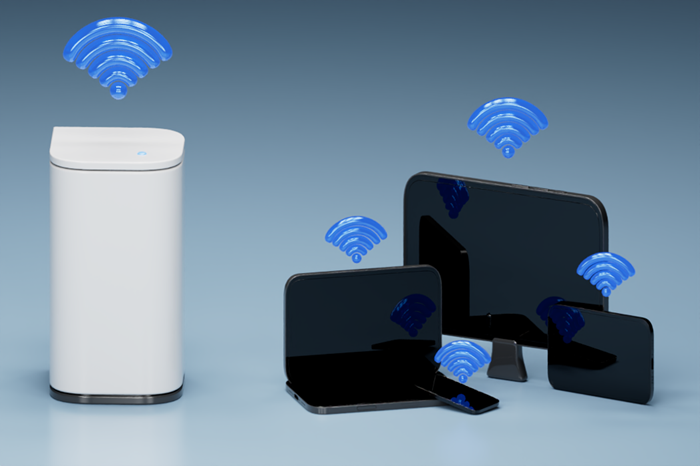
 

white cylindrical Linksys Velop mesh WiFi node stands on the left with a blue WiFi icon floating above it, while multiple black electronic devices including a laptop, smartphone, tablet, and monitor sit on the right, each with its own blue WiFi icon.

 
Through the resources linked below, you will learn how to check your WiFi credentials, assess your network's signal strength, and resolve common mesh networking issues, such as devices stubbornly sticking to farther nodes, to ensure peak connectivity across your entire home.
 
Checking the WiFi name and password
Connecting wireless computers to your WiFi
Why Devices Stay on Farther Nodes (YouTube™ video)
How to Check Signal Strength (YouTube video)

Was this support article helpful?

8 out of 151 found this helpful

Contact Us:
Call Us Access our list of global support numbers
Reddit Join and subscribe to our Official Reddit Community

Linksys
Now
Support