The Home page is the landing page of the LinksysNOW web interface after you have logged in to the router. It will provide a quick summary of your current network.
Supported models:
- Linksys SPNM60
- Linksys SPNM62
- Linksys LN1600 series (LN1601, LN1602, and LN1603)
SPNM60 and SPNM62
Images vary by model.
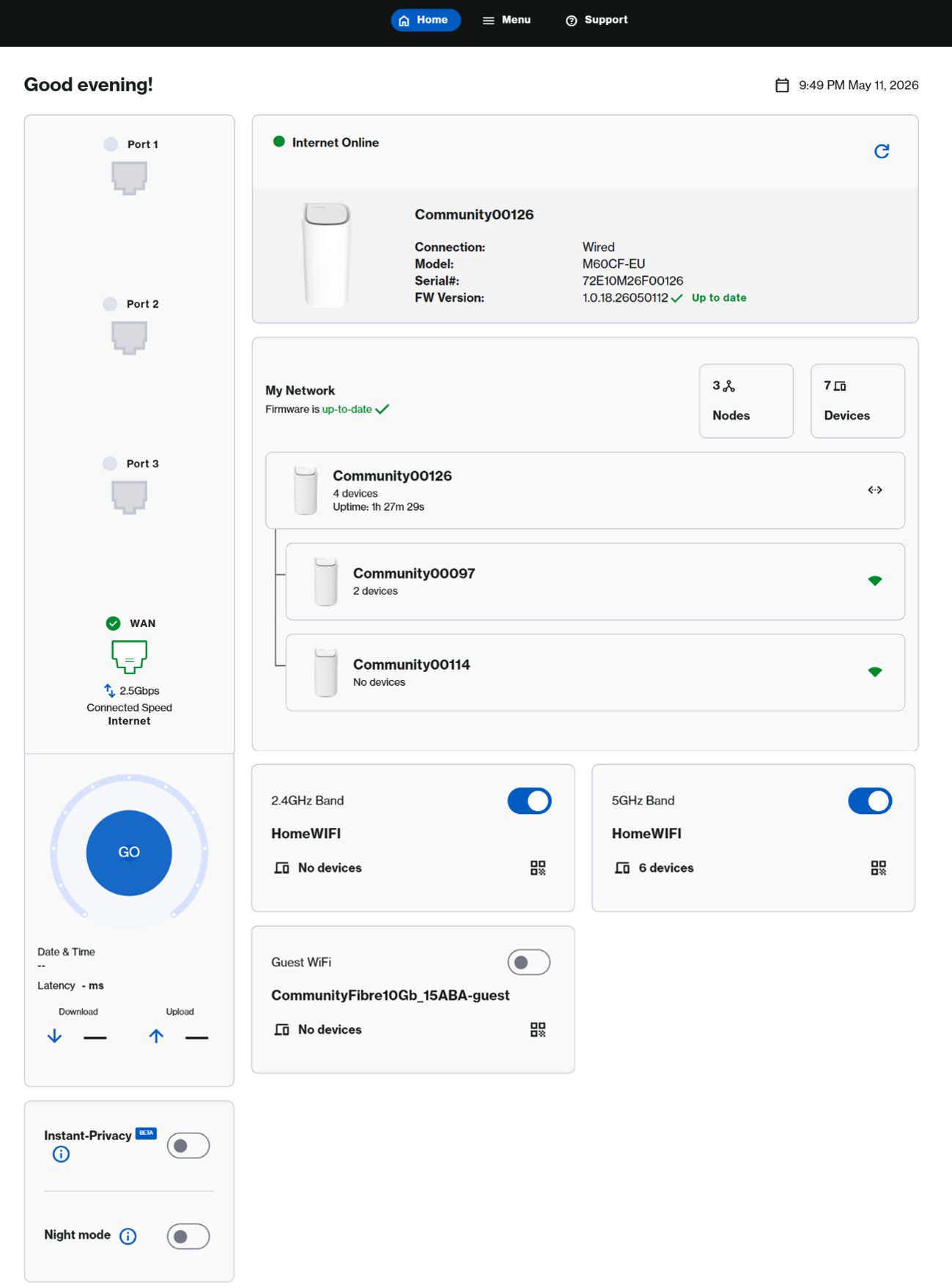
LN1600
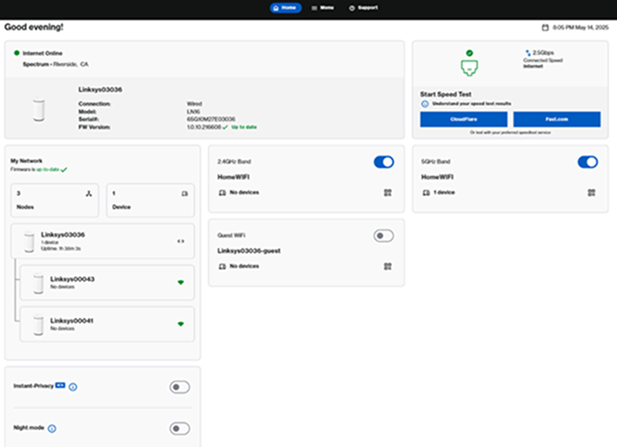
|
Feature |
Description |
|---|---|
|
There are three options at the top of the page:
|
|
|
The Account
|
|
|
On the upper-right-hand side of your dashboard, you will see your router's current date and time. To adjust this setting, click on it or go to Menu > Instant-Admin. Learn more.
|
|
|
Online status
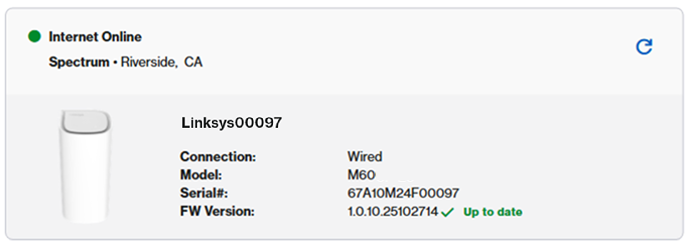
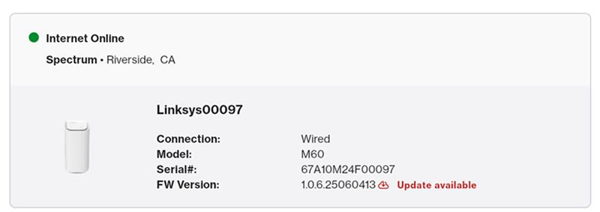
In this section, you can see your online status, model, serial number, and current firmware of the parent router.
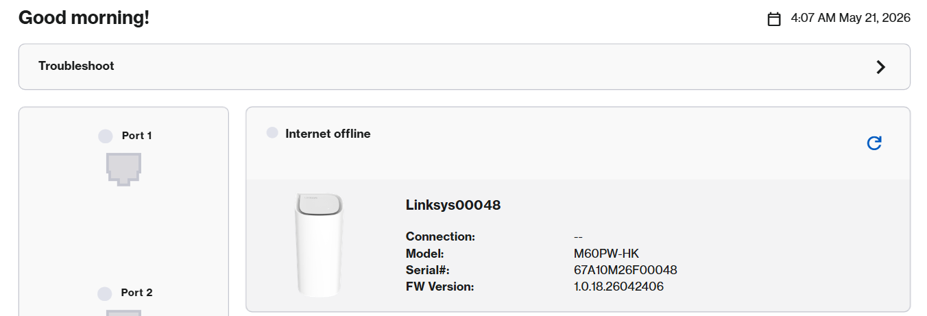
If the router is ever offline, you will see the following status followed by the Troubleshoot option.
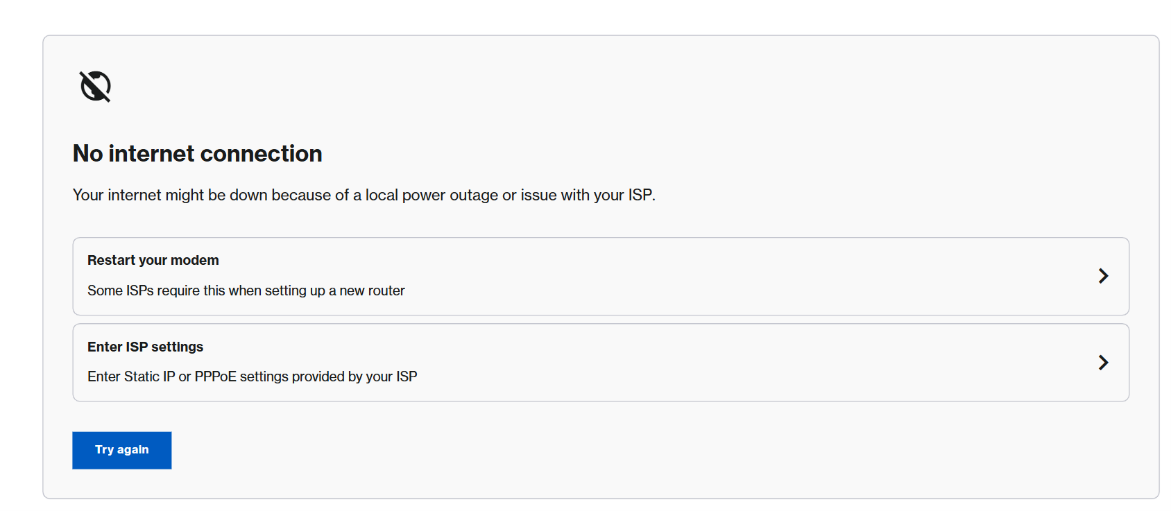
Click the Troubleshoot bar to try the suggested steps to help you get back online. Once the light on the router turns solid white, refresh the page or log back in.
Available Firmware:
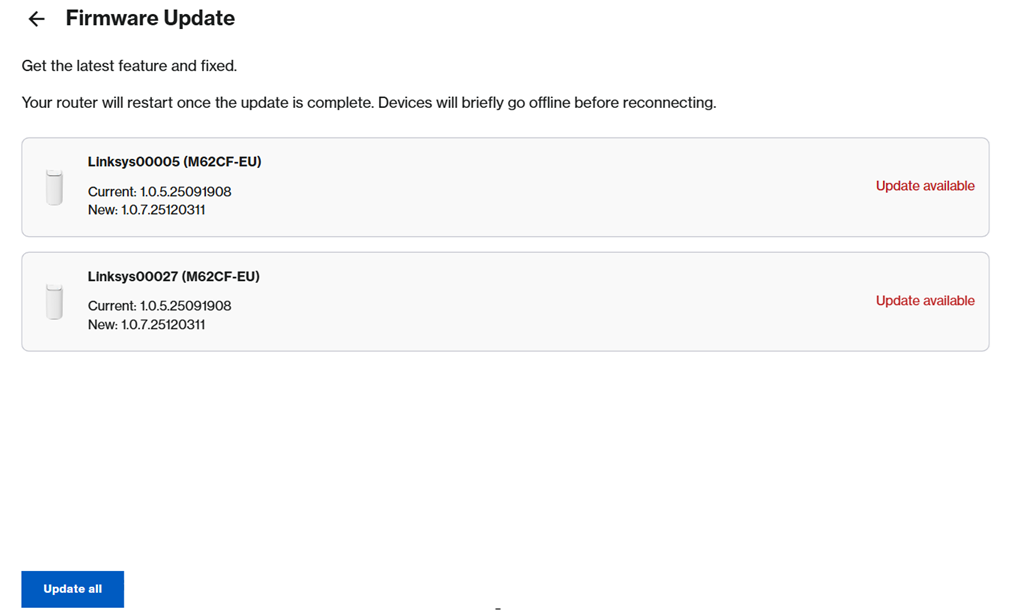
The router automatically updates overnight by default. However, if you are logged in during the day and see an ' Update available ' notification, you can manually start the update by navigating to Menu > Instant-Admin this can take several minutes. You can also just let the Auto-Update take over at night to prevent any disruptions during the day.
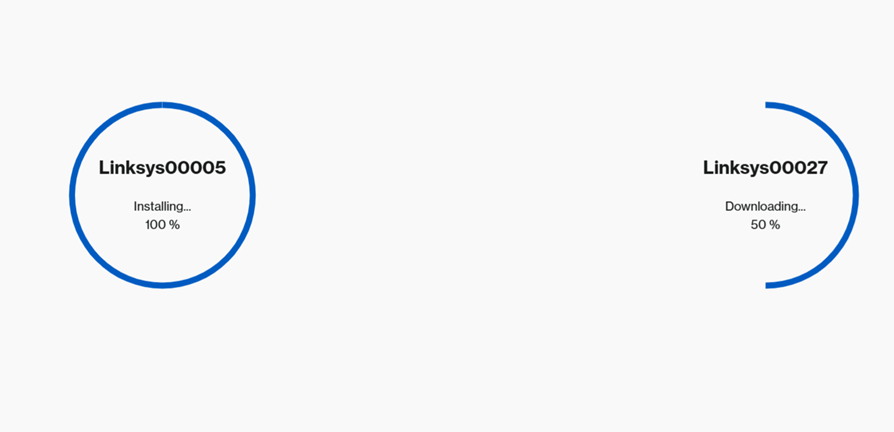
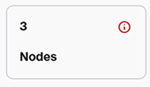
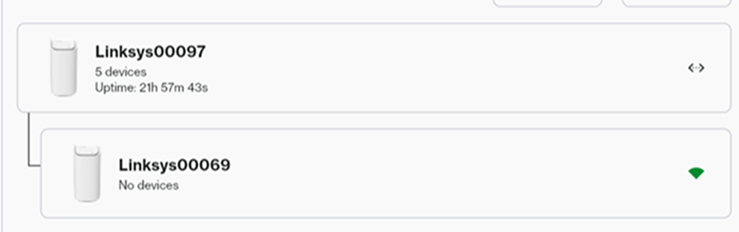
If multiple Linksys routers in your network have firmware updates available, you will see a list of those nodes. Click Update all.
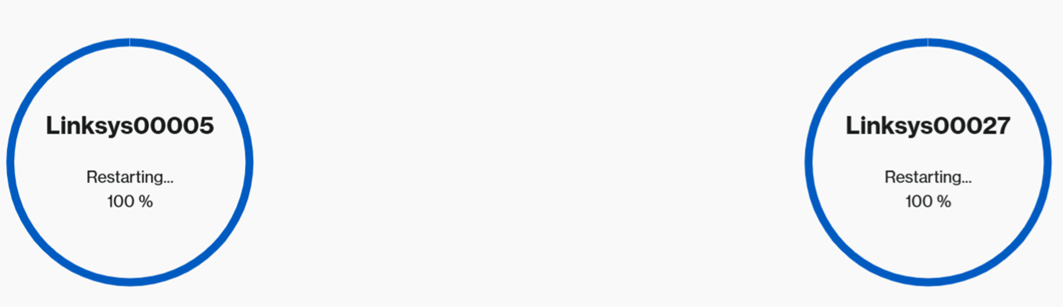
When the Restarting message appears, your nodes will reboot automatically. Wait until all routers show a solid white light, indicating they are online and ready to use.
|
|
|
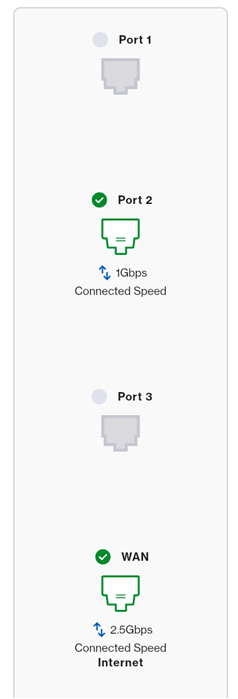
Port images may vary depending on your model's supported features.
Linksys SPNM62:
Linksys SPNM60:
Linksys LN1600:
|
|
|
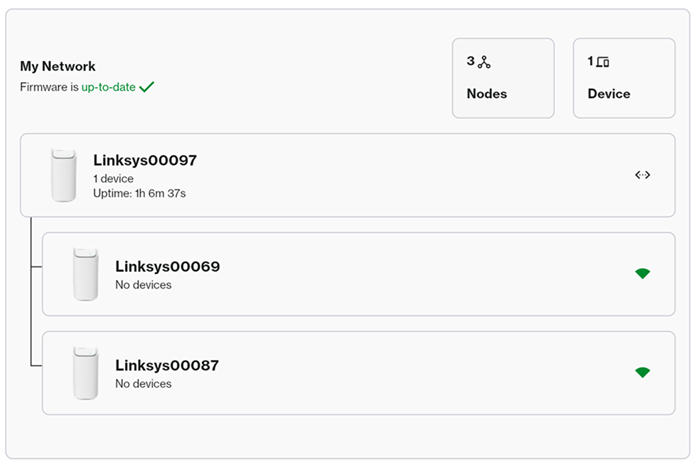
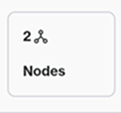
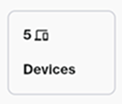
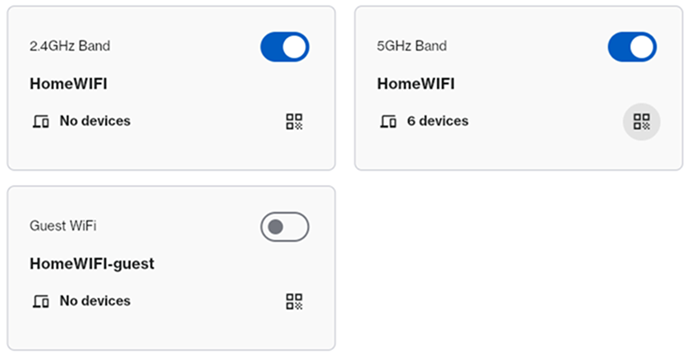
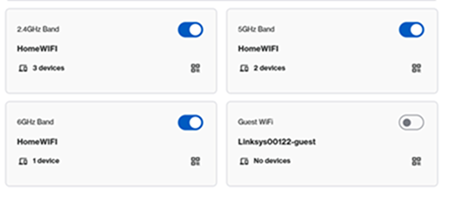
In the My Network tile, you will see a quick summary of your network.
|
|
|
Settings vary by model.
To view more information or change the WiFi settings, click on the tile or go to Menu > Incredible-WiFi.
SPNM62
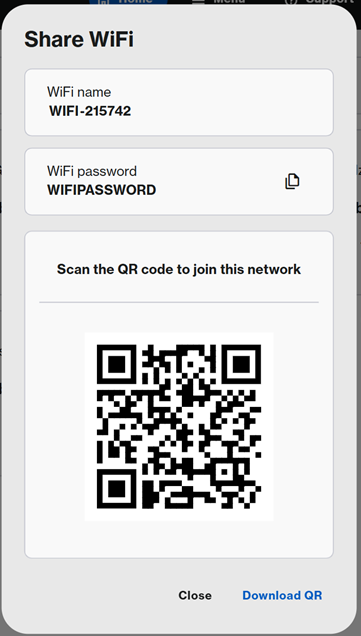
Click the QR code
|
|
|
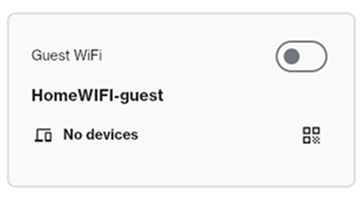
You can share your Guest WiFi with visitors without revealing your main network credentials.
The Guest Network is turned OFF by default, but you can click to enable it. To customize the name and/or password, go to Menu > Incredible-WiFi . Make sure to choose a name that is different from your main WiFi.
|
|
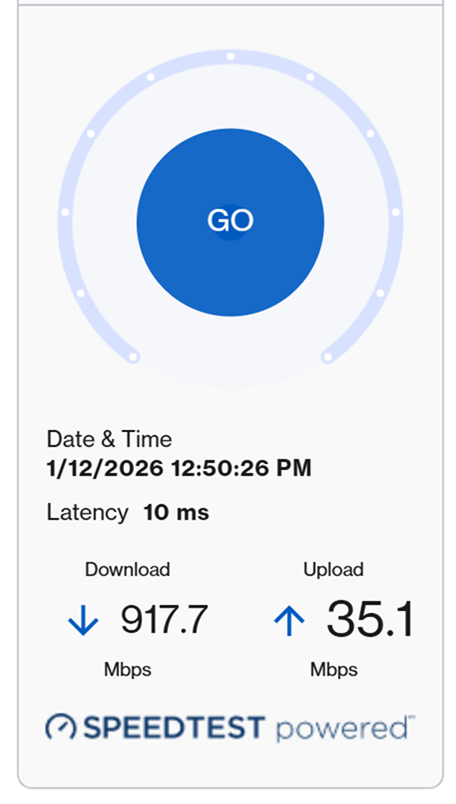
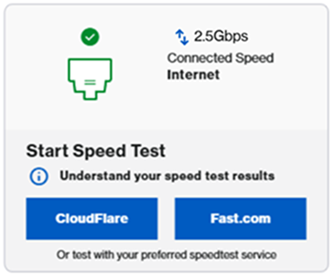
| Speed Test |
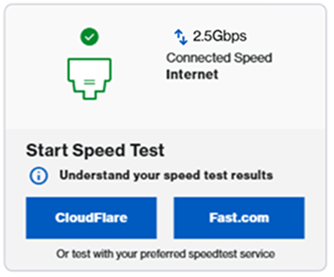
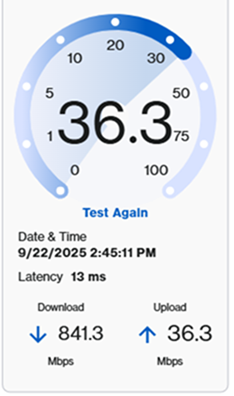
Speed test settings vary by model.
LN1600: To run a speed test, click a service (either CloudFlare or Fast.com) to run a speed test.
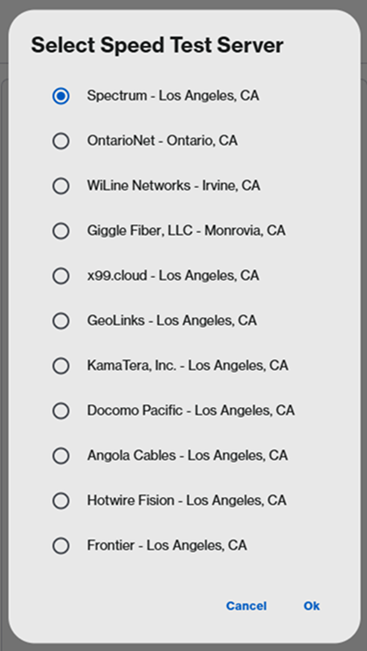
SPNM60CF and SPNM62CF: To run a speed test, click on Go or Test Again. On some models, you may have to choose a server.
|
|
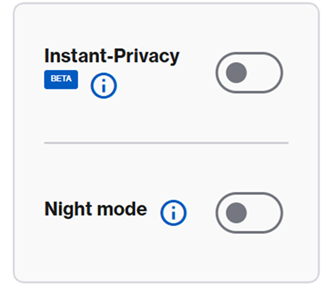
Instant-Privacy
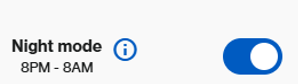
Night mode
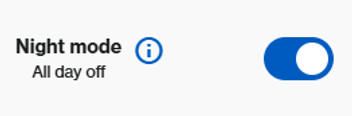
The Night mode feature automatically turns off the light on all supported Linksys Mesh nodes on your network between 8 AM and 8 PM. By default, this feature is turned OFF.
If you choose to turn off the lights 24/7, you will see the following message. To turn off the lights 24/7, go to Menu > Instant-Topology > click on the first router > then scroll to the bottom where the Node light setting appears.
Depending on your hardware model, your device may feature a physical Night Mode button for quick access. Simply toggle the switch to the On position to enable it. Learn more. |

 icon is located in the upper-right-hand corner. In this section, you can change your language, select a theme (System, Dark, or Light mode), view additional documentation, and log out of the router.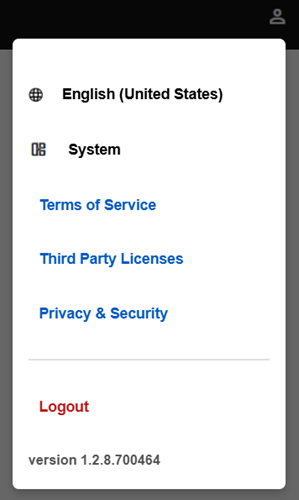
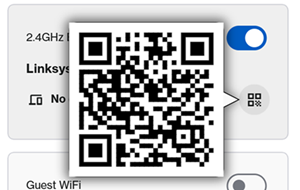
 icon to share the WiFi credentials with devices in your home. You can copy the credentials to the clipboard, scan the QR code to join the network, or download it for later use.