You are using an unsupported browser. Please update your browser to the latest version on or before July 31, 2020.
close
You are viewing the article in preview mode. It is not live at the moment.
> 產品概述 > 使用 LinksysNOW > 配置LinksysNOW Instant-Devices設置
配置LinksysNOW Instant-Devices設置
print icon

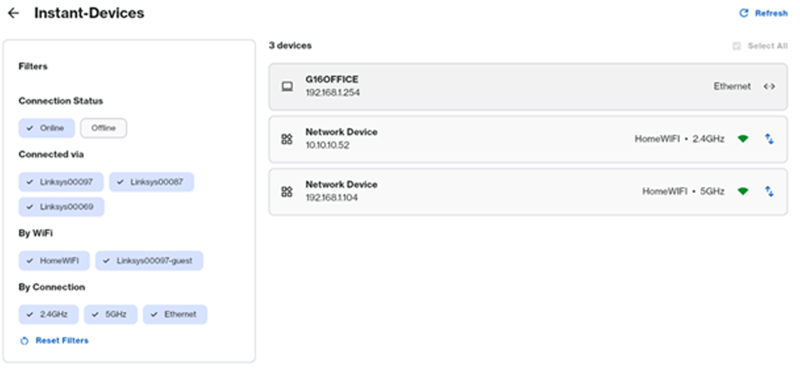
在LinksysNOW的Instant-Devices部分,你可以看到所有連接到網路的設備。


要訪問此部分,請按以下步驟操作:


1. 登錄網頁介面


2.  點擊Menu


Menu icon


3.  點擊Instant-Devices


Instant-Devices section


使用左側的過濾器按連接、節點或無線信號顯示設備。


List of devices connected to the network


點擊箭號  圖示會引導客戶端選擇更好的無線信號(如果有的話)。 例如,如果你看到一個信號很弱的用戶端,點擊箭頭圖示斷開它,用戶端就會連接到信號最強的節點。 
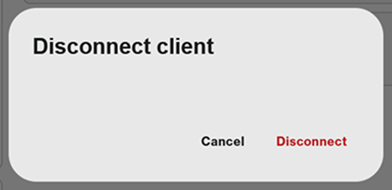
 

Disconnect client prompt with Cancel and Disconnect options


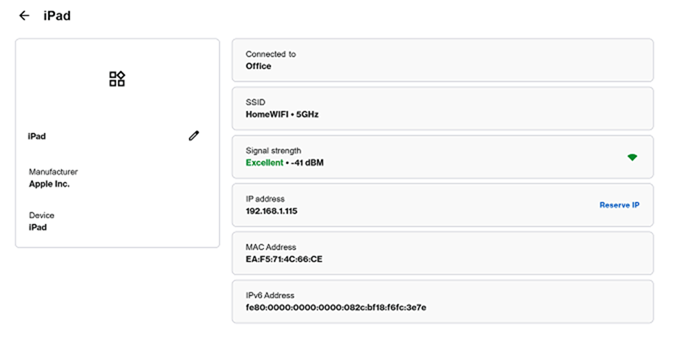
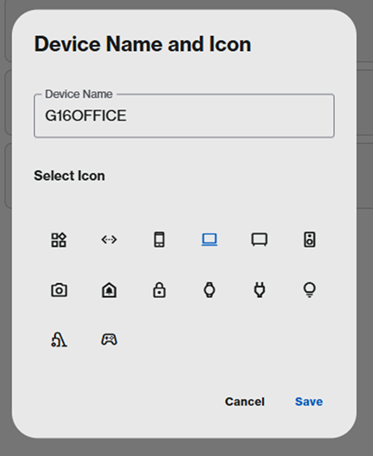
要查看特定設備的詳細資訊,請點擊它。 要更新設備名稱或圖示,點擊pencil icon並選擇Save


Details of a specific device


Device Name and Icon


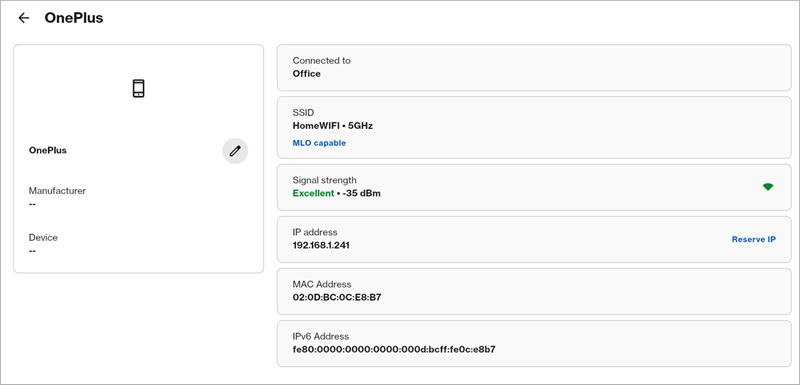
當啟用MLO且連接了MLO用戶端時,你會看到MLO支援標籤。


Screenshot of a connected device showing MLO capable


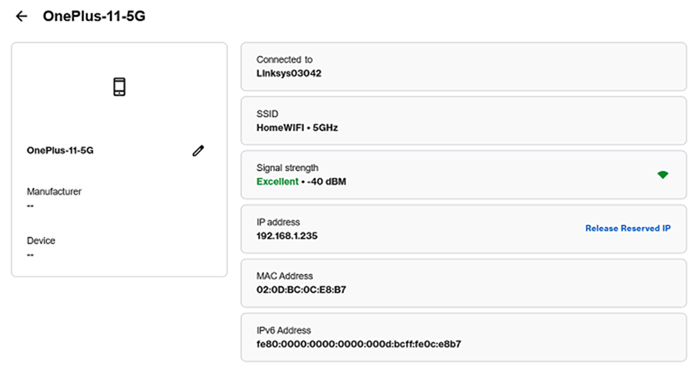
要為用戶端保留IP位址,點擊設備,然後點擊Reserve IP。 要移除DHCP預留,請點擊Release Reserved IP


要分配特定的IP位址,先寫下用戶端的MAC位址,然後進入Advanced Settings


Screenshot of a client device showing Release Reserved IP

這篇支援文章有用嗎?
0 / 0 覺得這很有幫助

聯絡我們
致電我們  存取我們的全球支援號碼清單
Reddit  加入並訂閱我們的官方 Reddit 社群
與我們聊天  我們樂意為您解答所有問題
Linksys
Now
Support
滾動到頂部圖標