


Changing the Wi-Fi Settings of your Linksys Tri-band Router

Changing the Wi-Fi Settings can be done through the router's web interface. To establish a unique and secure network, it is important to change the basic Wi-Fi Settings of your router.
- Changing your Wi-Fi Settings will disconnect all devices from your router until you reconnect them using the new settings. To learn more, click here.
- Steps and images vary by model number.
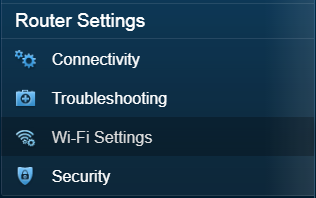
3. Under the Wireless sub-tab, you can now modify the settings that you want to set up on your router.
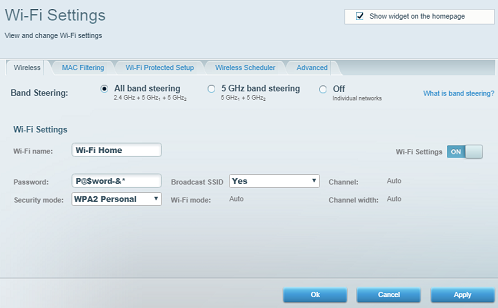
The All band steering is enabled by default. Select either the 5 GHz band steering or the Off option to view or edit individual configuration settings for your network. To learn more, click here.
4. Click the Apply or Ok button, then click Yes on the disconnect warning window.
5. Click Ok.
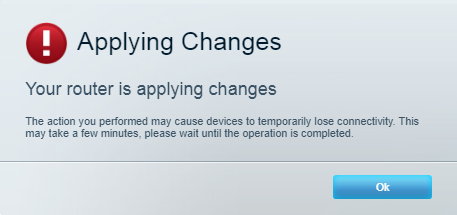
You should now have successfully changed the Wi-Fi Settings of your Linksys router.

