


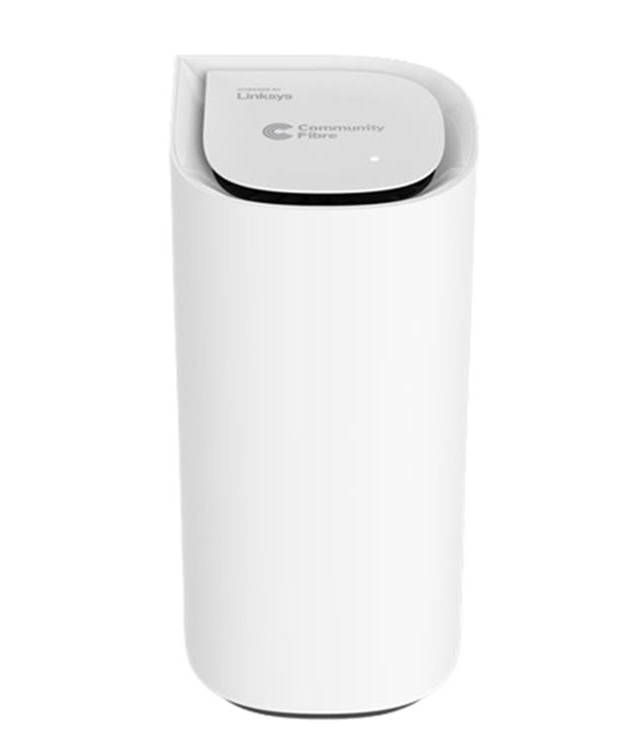
Say Hello to the Linksys SPNM62CF
Transform your connectivity with the Linksys SPNM62CF, powered by next-generation Wi-Fi® 7 technology. Enjoy lightning-fast speeds of up to 10 Gbps, delivering seamless, uninterrupted performance for all your devices. Designed with elegance and simplicity in mind, its sleek form and effortless setup combine cutting-edge innovation with user-friendly convenience. This makes it the perfect choice for today’s high-demand households.
Exclusively available for Community Fibre ISP subscribers in the United Kingdom.
- Linksys Velop Cognitive™ Mesh technology
- Tri-band BE11000
- Up to 10 Gbps WiFi speeds
- Multi-Link Operation (MLO) support
- 2x2x2 Spatial streams
- Multi-gigabit internet capable
- Supports Automatic setup
- Supports parent and child modes
- Night mode feature
- LinksysNOW web interface
- Indicator light
- Dimensions: 112 x 112 x 240.5 mm
- Weight: 1196 g (1.196 kg)
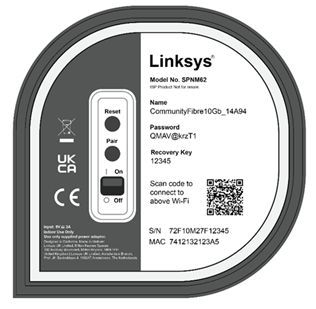
- Buttons and Switch
- Reset button
- Pair button
- Power switch
- Pause button
- Test button
- Privacy switch
- Internet 2 switch (reserved for future use)
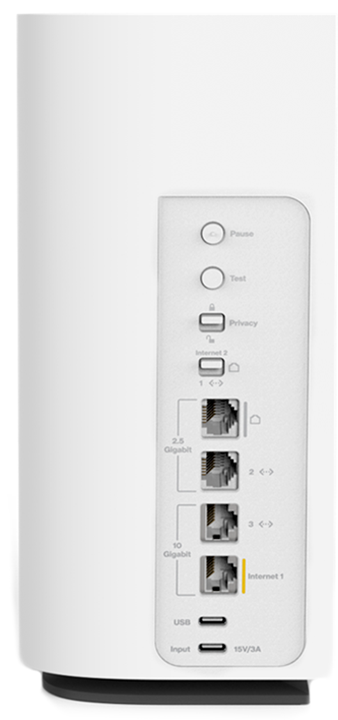
- Ports
- One (10 Gbps) internet/WAN port
- One (10 Gbps) ethernet/LAN port
- Two (2.5 Gbps) ethernet/LAN ports
- USB-C® charging port (5V, 1A)
- USB-C Power port (15V, 3A)
- Antennas
- Two (5G and 2.4 GHz) dual-band antennas
- Two (6 GHz) single-band antennas
- One (2.4 GHz) Bluetooth® for child node setup
- An active internet connection with Community Fibre ISP
- Latest versions of Google Chrome™, Firefox®, Microsoft Edge™, or Safari® (for Mac® or iPad®)
- Linksys SPNM62CF (one-pack)
- QR code card
- Ethernet cable
- USB-C with fixed UK power adapter
Setting up the Linksys SPNM62CF
For the automatic internet connection type, follow these steps.
Are you still having trouble setting up your router? Learn more.
1. Access the web interface of the router.
2. Click on Menu.
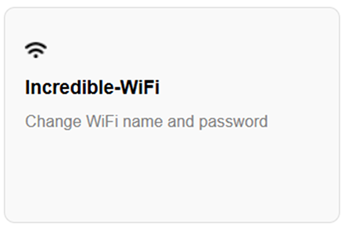
3. Click on the Incredible-WiFi tile.
4. Configure your preferred WiFi name and password using the Quick Setup feature or turn OFF Quick Setup to customize your WiFi radios individually.
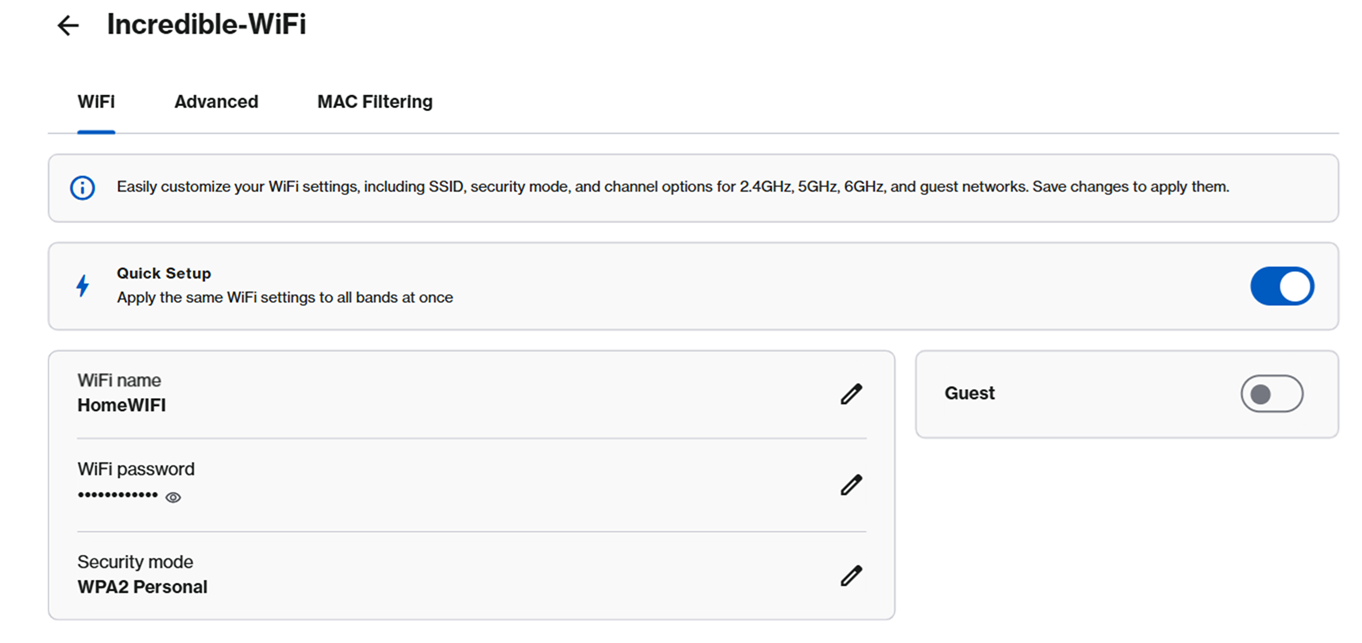
5. Click on Save to apply changes. Click here for additional help.
Resetting the Linksys SPNM62CF
1. Press and hold the Reset button for 15-20 seconds.
When you press and hold the reset button, you will see a red light in a fading pattern. When the fading pattern has stopped, which takes about 10 seconds, the light will turn OFF. Once the light turns OFF, release the reset button and wait for the router to boot up.
2. Wait for the light to turn solid blue, indicating it is ready to be set up.

Select each category below to view the articles.
- How to log in to the LinksysNOW web interface
- How to reset the router password in the LinksysNOW web interface
- Changing the WiFi name and password of the Linksys router with a LinksysNOW web interface
- Understanding the Home page of the LinksysNOW web interface
- Configuring the LinksysNOW Incredible-WiFi settings
- Configuring the LinksysNOW Instant-Admin settings
- Configuring the LinksysNOW Instant-Topology settings
- Configuring the LinksysNOW Instant-Safety settings
- Configuring the LinksysNOW Instant-Privacy settings
- Configuring the LinksysNOW Instant-Devices settings
- Configuring the LinksysNOW Advanced Settings
- Understanding the LinksysNOW Instant-Verify settings
- How to run a Speed Test on a Linksys Pinnacle Mesh Router

